To install Mad God’s Overhaul, you’ll need Wabbajack, a tool designed for the express purpose of installing big mod lists. (The fact that it’s named after a Daedric artifact created by the mad god himself is just a bonus.)
Download Wabbajack
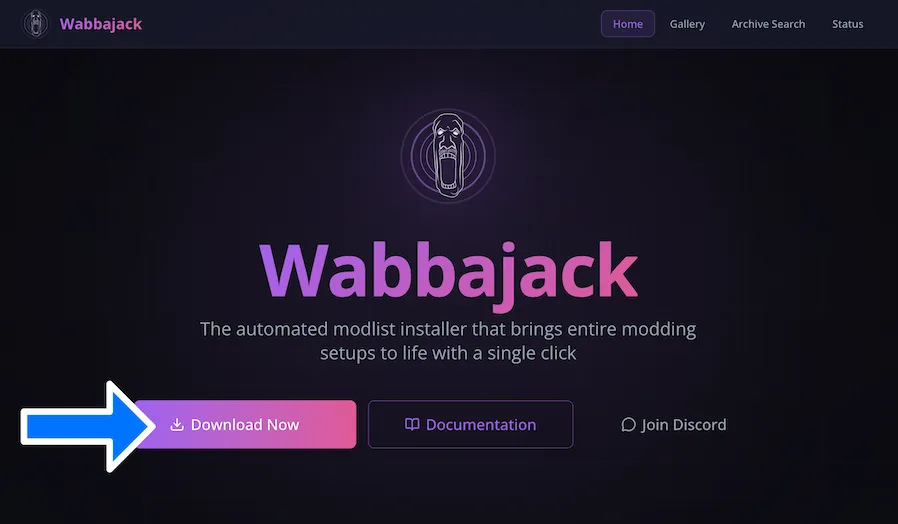
Download Wabbajack.exe via the big colorful Download Now link on wabbajack.org. The initial download is a single Windows executable file.
By the way...
The Documentation link leads to a wiki with all you could ever want to know about how to use Wabbajack.
There’s also a link to the Wabbajack Discord.
You can also browse or search through mod lists in the Gallery. These are lists that can be installed directly from Wabbajack without the need to download the list itself first. On the web site, you can read detailed descriptions of these lists, find links to each list’s Discord if there is one, and even browse or search through every archive included in each list. Mad God’s Overhaul is often listed in Wabbajack’s gallery, but it is not at the moment.
Install Wabbajack
Once you’ve downloaded the executable, you will need to move it outside of your Downloads folder before running it. If you’re not sure where to put it, C:\Wabbajack is fine. If you’ve installed it previously, you can overwrite your older version with the one you just downloaded.
Sign in to Nexusmods within Wabbajack
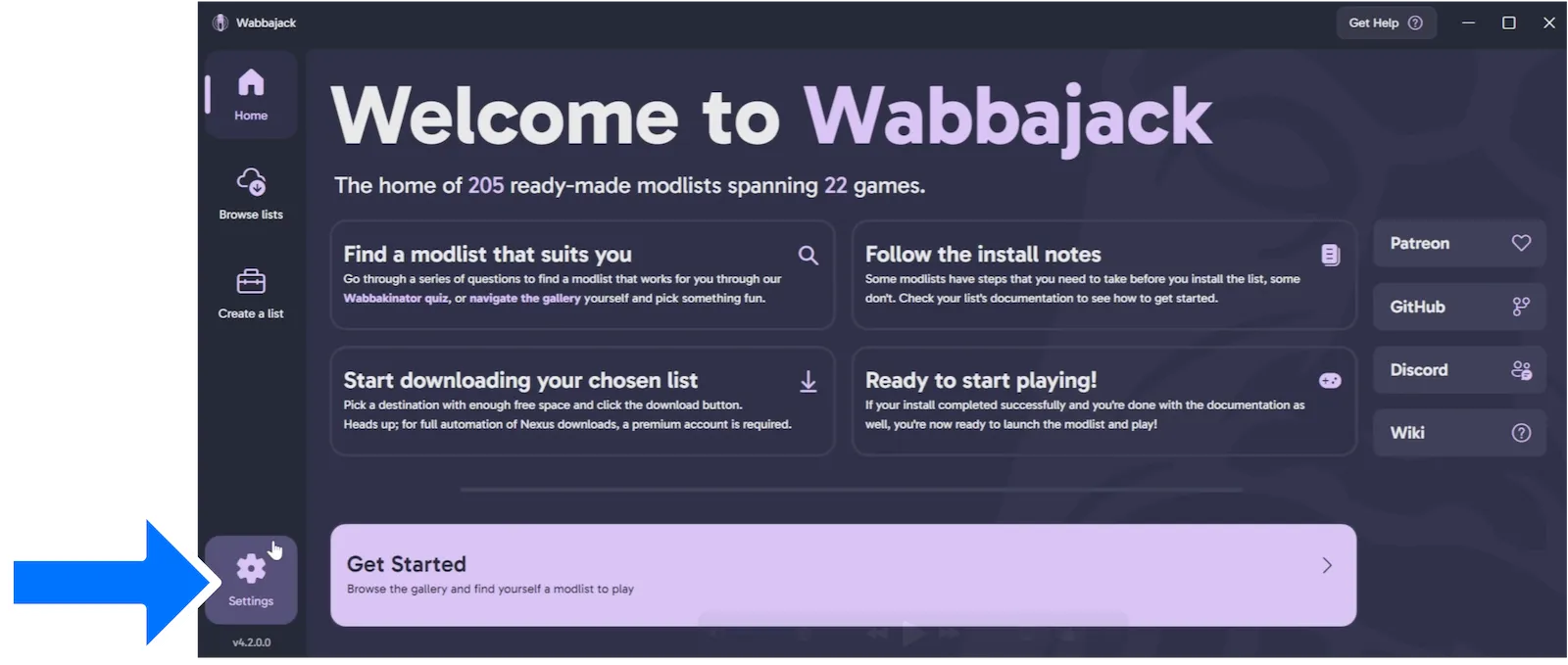
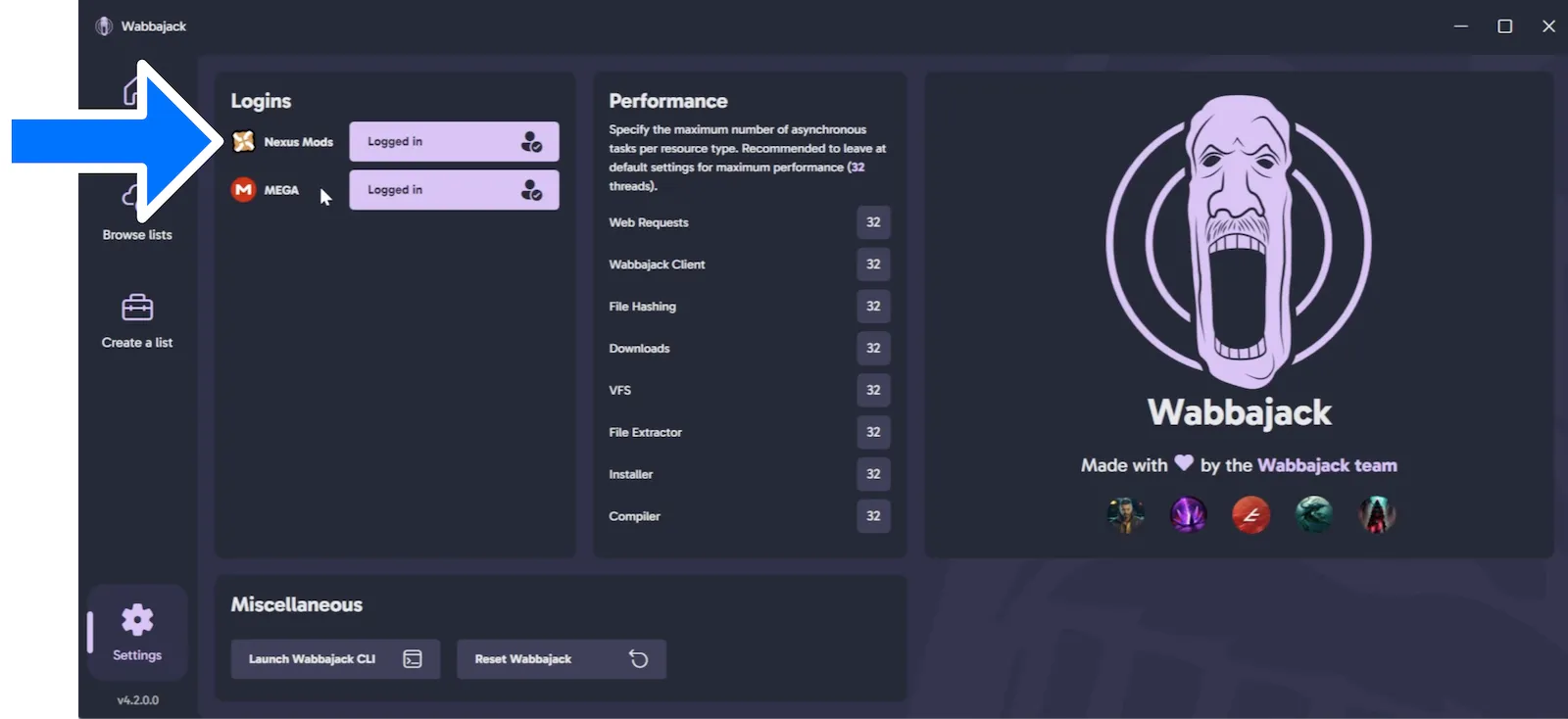
Launch the app, and it will download the latest version if necessary, and then we can start using it. There’s a great big Get Started button, but before you click that, go to Settings and sign into Nexusmods, even if you don’t have a premium subscription. Without being signed in, the automated requests will get you temporarily blocked over and over.
By the way...
Download the list from Nexusmods
The .wabbajack lists for MGO NSFW and MGO SFW are both available for download on Nexusmods. Open the Nexus page for the version of your choice, and click the Manual download button near the upper-right.
This is just the Wabbajack list that you’re downloading, without any of the actual mod content, and even that’s over 2 GB compressed. It is a 7-zip archive, and you’ll need to unpack it before using it, so first install 7-Zip if you don’t already have it.
Install Mad God’s Overhaul
Once we’ve unzipped the list, we can return to Wabbajack. On the screen where you can browse the available lists, click Install From Disk instead. Find the uncompressed .wabbajack file, and open it.
Before beginning the installation process, you may want to set the installation folder and the downloads folder for MGO. By default, the downloads folder is inside the installation folder. You may prefer to have it elsewhere for a couple of reasons. First, the downloads folder takes up a lot of additional space, so you can free up space on your primary SSD by moving it to another disk. Second, if you install other modlists for Skyrim VR, you can reuse the downloads folder, and if the other list includes the same versions of some of the same mods, you won’t have to download them a second time.
By the way...
You don’t strictly need to keep the downloads once the game is installed. It’s nice to have them in case you mess up your list and need to reinstall it, or if you want to install another version of the list later. Not every mod will require an update, so you can avoid having to redownload some of them.
But if you don’t have the luxury of lots of storage space, you are free to delete the downloads once the list is properly installed. I do highly recommend waiting until you’ve successfully launched the modded game at least once before deleting the downloads.
With your folders set, it’s time to install.
Installation will take a long time, even with a premium Nexus account (and even if you have all of the mods already downloaded). Just installing them from disk takes quite a while.
If installation fails…
If installation fails, there’s a decent chance that you can just try again. Doing so will not redownload anything that you’ve already downloaded.
If there’s an error about a missing master file, that means there’s something wrong with your Skyrim VR installation, like the wrong version, or a file that’s missing or altered in some way. If you changed some files on purpose, you can always copy them somewhere before repairing your installation, but you will need the original, unaltered game files from Steam to use MGO. No, you cannot use a pirated copy.
To repair the game files, find Skyrim VR in Steam, click the cog icon, and choose Properties… . Choose Installed Files from the left, and click Verify integrity of game files . That ought to get your installation back in shape. Once you’re finished, you can retry installation from Wabbajack.
If you're still having trouble...
Double-check the requirements.
If you can’t download…
- Be sure you have a legal copy of Skyrim VR
- Move Skyrim VR out of C:\Program Files (x86)
- Set game to English
- Run Steam file validation
- Log into Nexus in Wabbajack settings
You must also…
- Have 32GB system memory
- Use internal NVMe storage
- Download and install the latest Visual C++ x64
- Download and install the latest .NET x64 run-time
- Increase minimum virtual memory to 40GB or more (screenshot)
- NVIDIA only: Set shader cache to 10GB or more in NVIDIA Control Panel (instructions)
Once the installation process has finished—which, again, will be awhile—Wabbajack will give you the option of opening the installation folder in File Explorer or creating a shortcut.