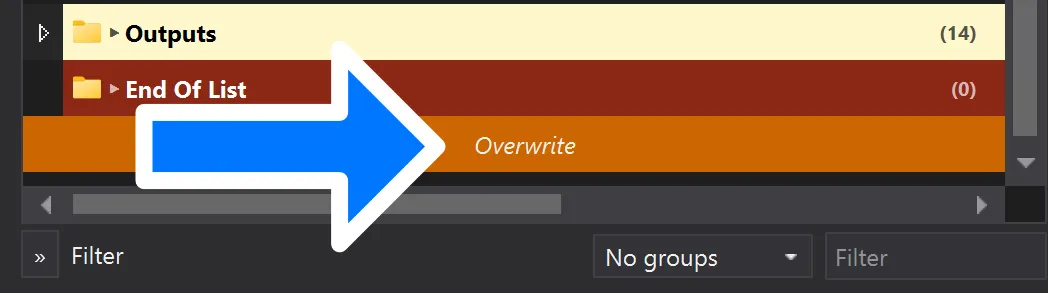
At the bottom of the list on the left side of Mod Organizer, you’ll see an entry labeled Overwrite. It may appear grayed-out when you first install MGO, but once you’ve played it should be either white-on-orange, or red-on-gray.
Overwrite is there to catch any data that’s written to disk during program execution. For example, the first time you run MGO, Community Shaders will write compiled shaders to Overwrite .
What and why?
MO2 uses a virtual file system (VFS) to keep your Skyrim VR installation folder pristine. Every program you run using the Run button in MO2, whether it’s the game itself or one of the other included tools, will run from this VFS. These programs sometimes need to write files to disk, and when they do, they get written to the VFS. When the program finishes running, and the VFS is unmounted, those files would be lost if not for the Overwrite folder.
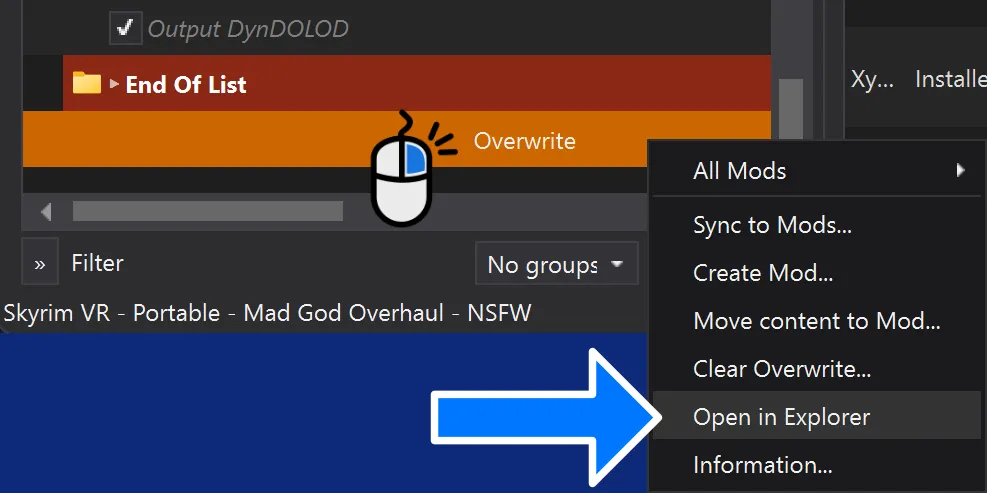
You can see exactly what’s in the folder by right-clicking its entry in MO2 and selecting Open in Explorer from the context menu.
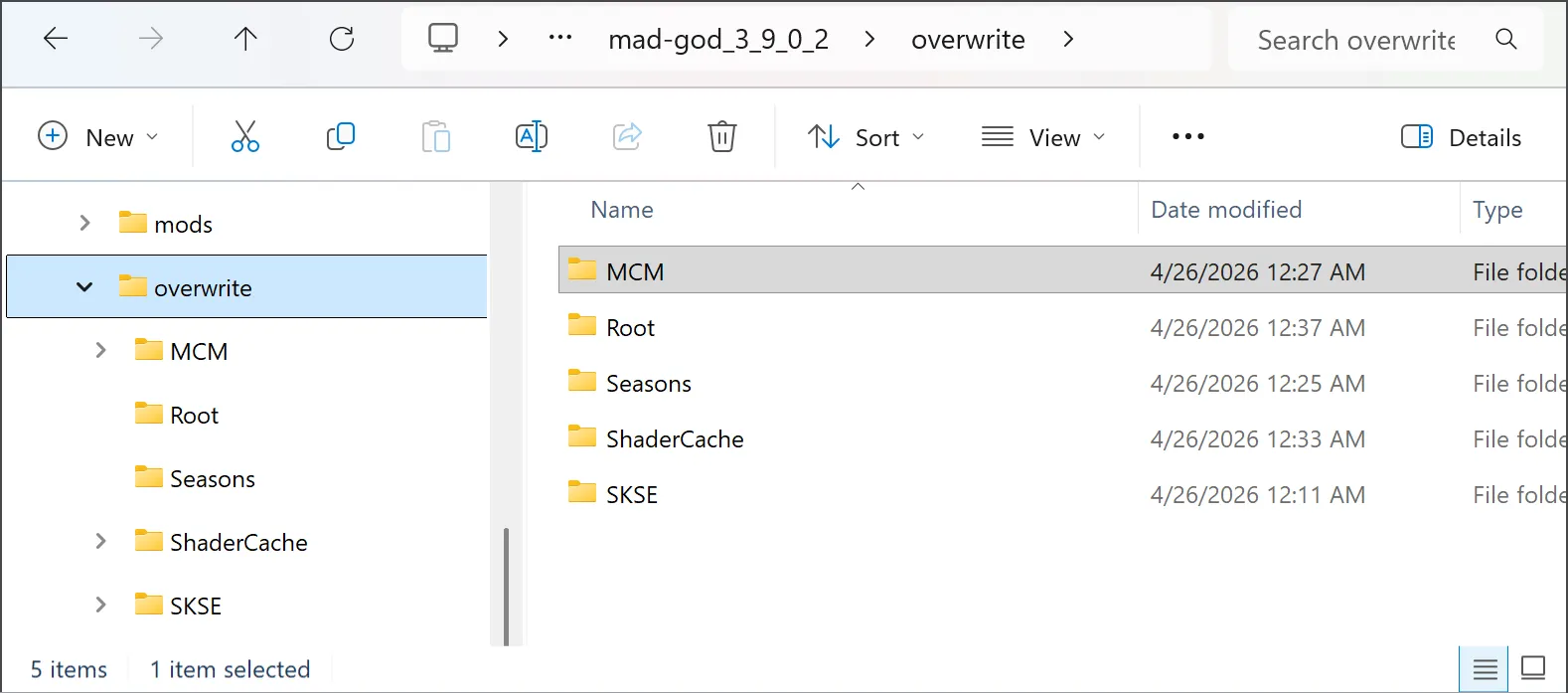
Aside from Community Shaders, MCMs may write to Overwrite. Utilities like BodySlide and DynDOLOD put their output there as well. I recommend treating this folder as though its contents could be lost at any time. That shouldn’t happen out of the blue, but don’t treat it as permanent storage. For things like BodySlide output, LODs, and the like, it’s cleaner to move the files out of Overwrite and into an actual mod.