Shaders are programs that run while drawing the game’s graphics to the screen (or screens, in VR). Mad God’s Overhaul uses Community Shaders (specifically, Community Shaders (Unofficial Fork)), a plugin with advanced graphical features that vanilla Skyrim does not support. This is what makes MGO’s dramatic visuals possible.
Community Shaders (CS) keeps its own cache of pre-compiled shaders on disk to speed up the game’s startup time… except for the very first time you run it.
Remember...
When you launch MGO for the first time after installation (or after certain actions, like clearing your Overwrite folder or otherwise invalidating the cache), Community Shaders will begin compiling. If you can see the Skyrim VR window on your desktop, you should see a progress bar. (If you’re in VR mode and you’re using Open Composite, you’ll just see a black screen.)
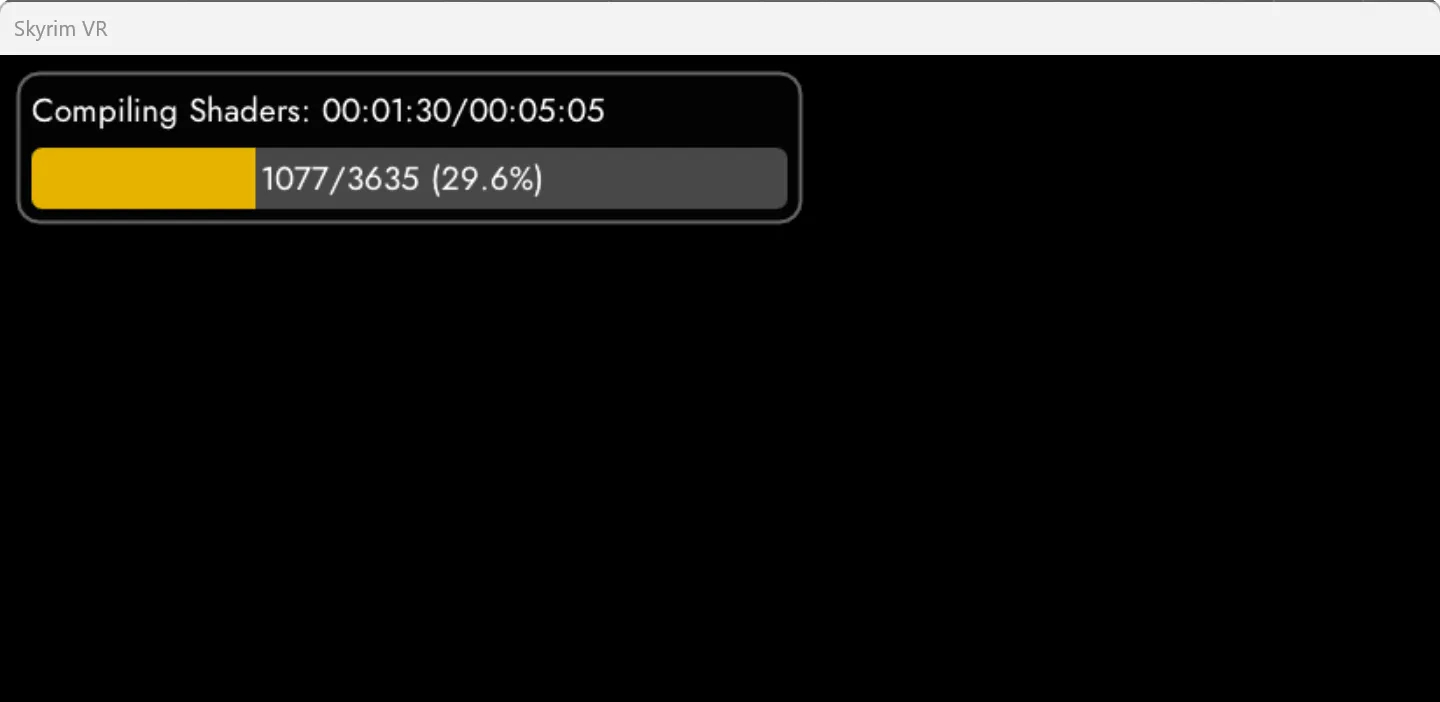
Compiling shaders can take anywhere from 5 minutes on a high-end PC to almost 30 minutes. If the progress bar isn’t moving, and it’s been 30 minutes, something may be wrong.
Keep Moving
You may need to keep your headset awake and active while CS is compiling shaders. Personally, I switch to desktop view in my headset and keep myself busy with other tasks* using my physical mouse and keyboard. That seems to be good enough.
*That would be a great time to browse this documentation!
During compilation, or at any time when Skyrim VR is running, you can press END on the keyboard (physical or virtual) to open the CS settings panel. As with the progress bar, this will only appear in the desktop window if you’re using Open Composite.
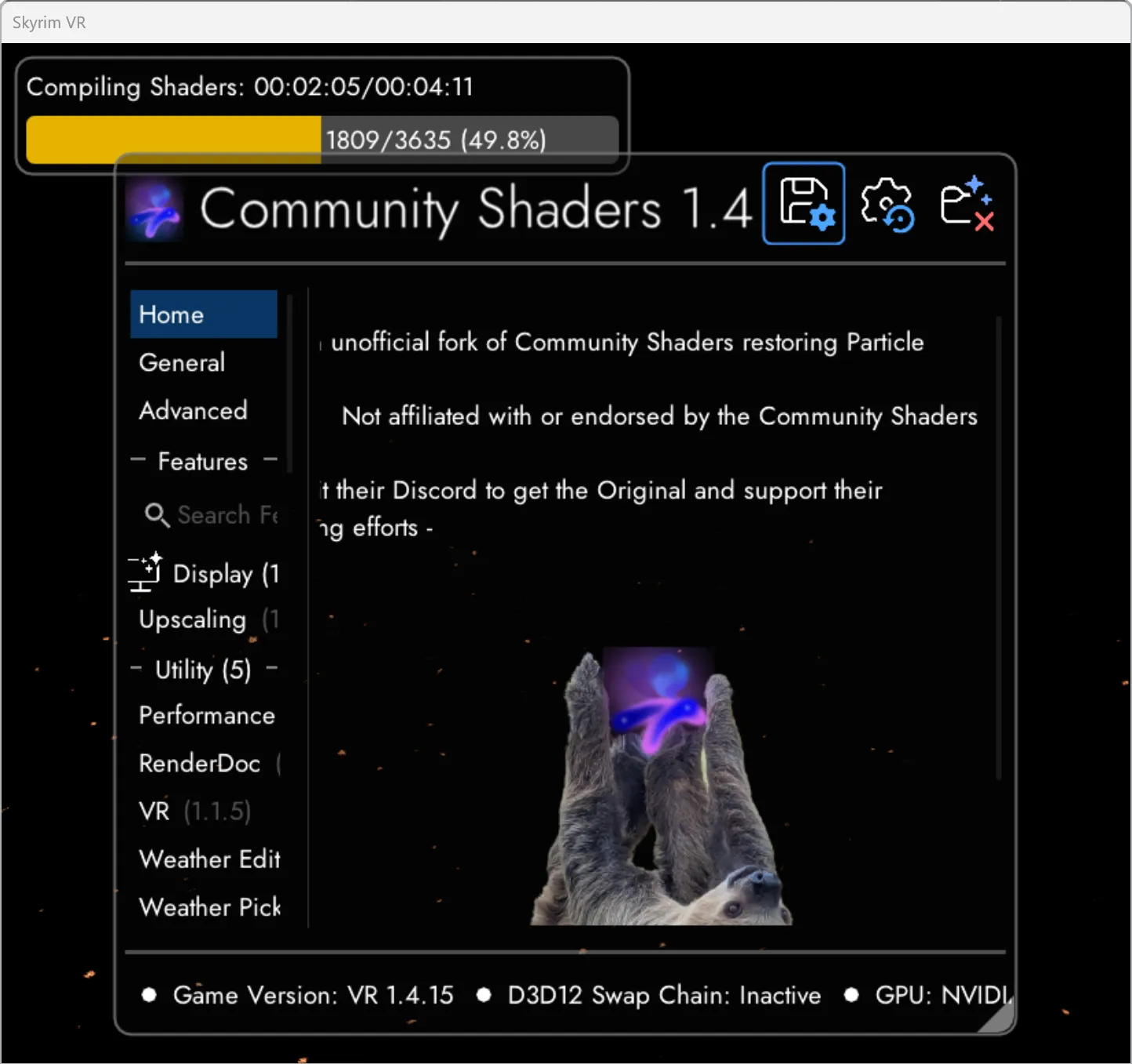
You can make a huge variety of adjustments from this settings overlay, but the defaults represent a reasonable balance between image quality and performance for most players. Feel free to read documentation, Nexus posts, Discord posts, etc. and tweak to your heart’s content. Fair warning though: With everything cranked up, CS can make even the mightiest machine howl in pain (figuratively speaking).